
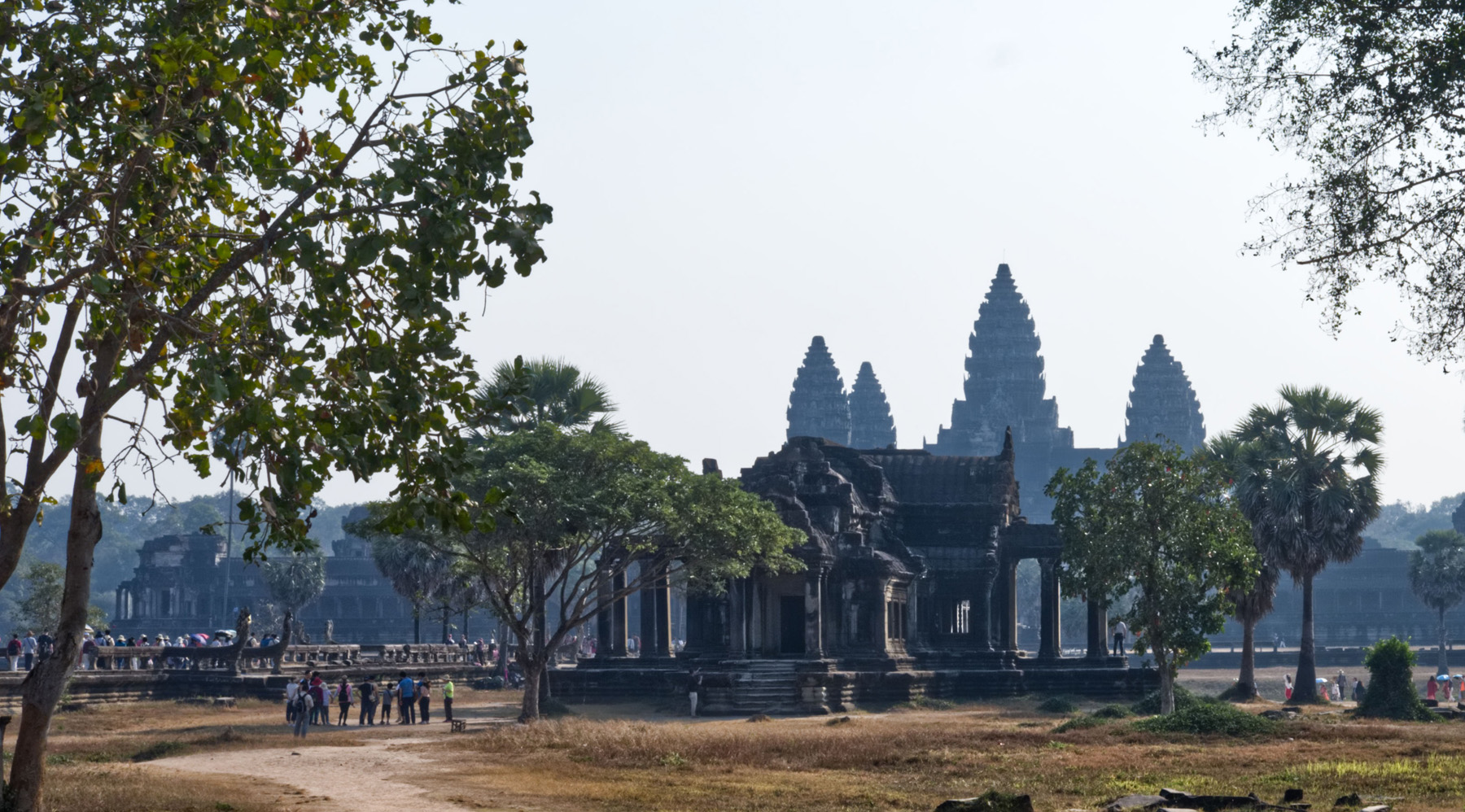
Random Photos: Siem Reap
I'm ashamed to admit that at the time my knowledge of Cambodia was limited to the atrocities of Khmer Rouge. There just weren't reasons where the country comes up during conversations.
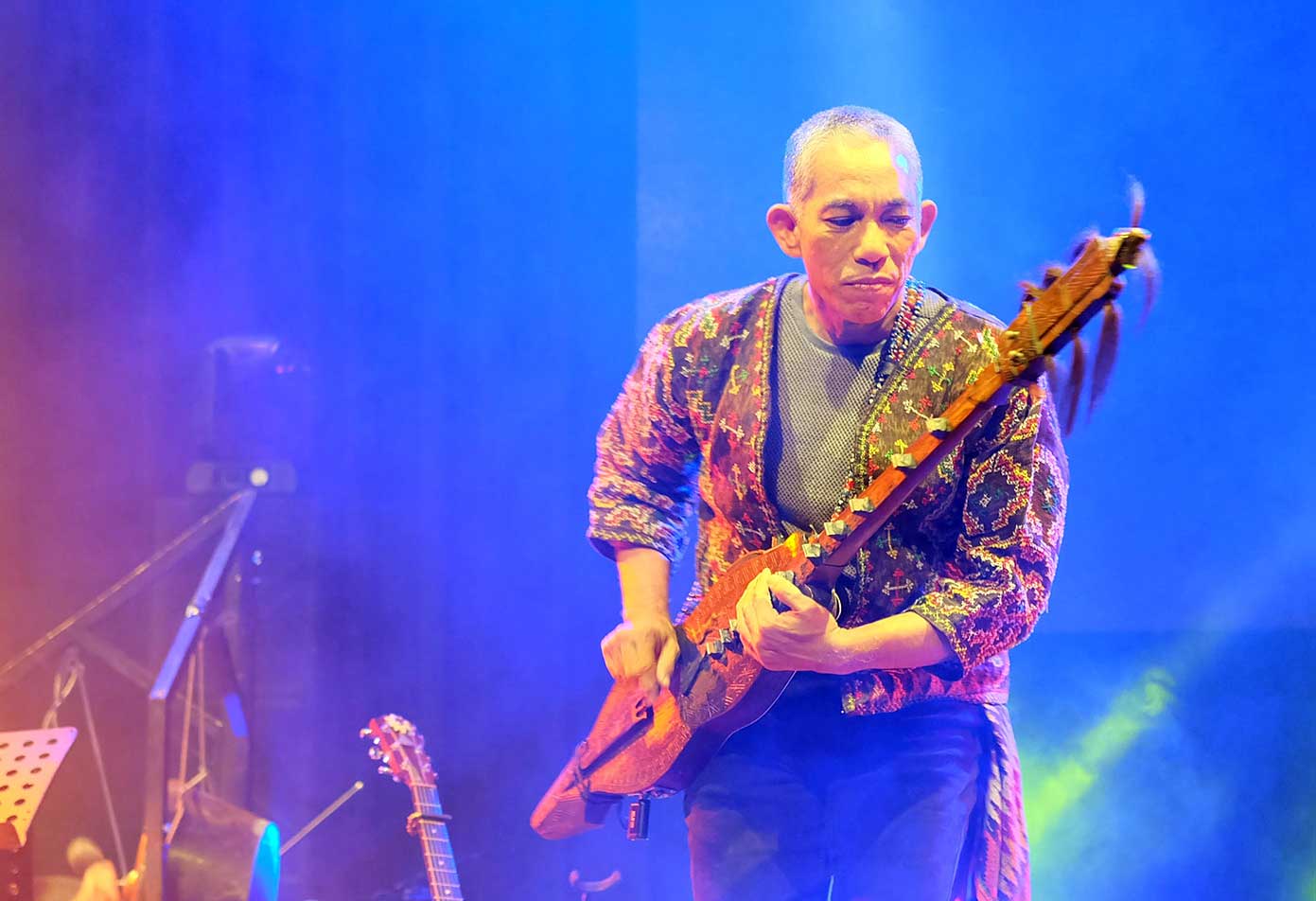
Mandiriwa 2017
Issa and I flew from Cebu to Manila to watch Joey Ayala’s concert Mandiriwa. This checks a lot of firsts. Our first concert together. Our first Joey Ayala concert together. Our first intimate concert, intimate in a sense that it’s on a smaller venue and we’re closer to the artists.
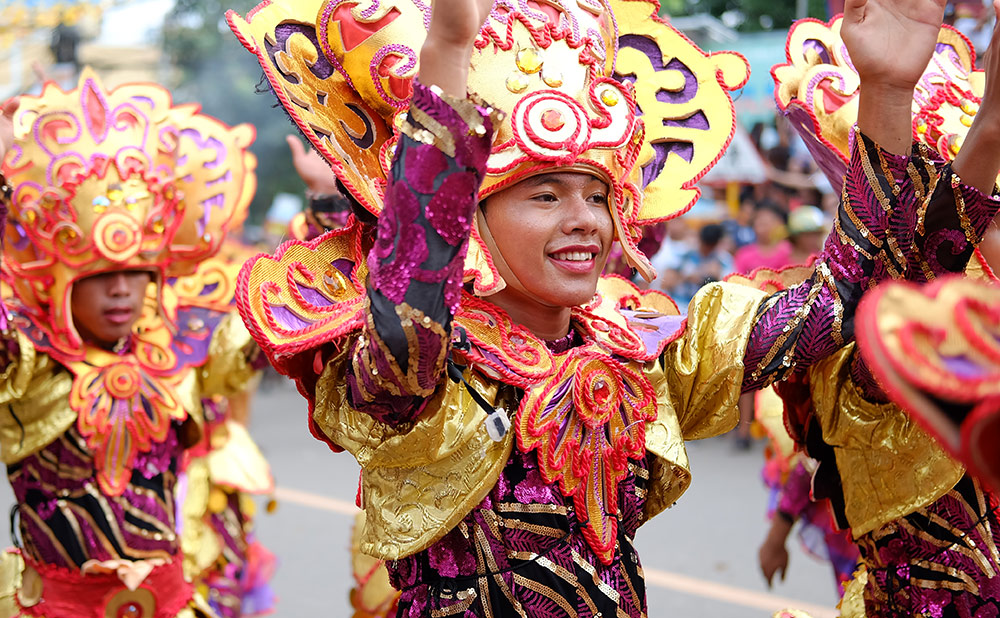
Random Photos: Sinulog
Sinulog is Cebu's biggest festival. It's a weekend of heavy traffic, crazy street parties and, of course, the grand Sinulog parade. The parade draws tens of thousands of attendees and the streets of Cebu get filled with a slow-moving ocean of people.
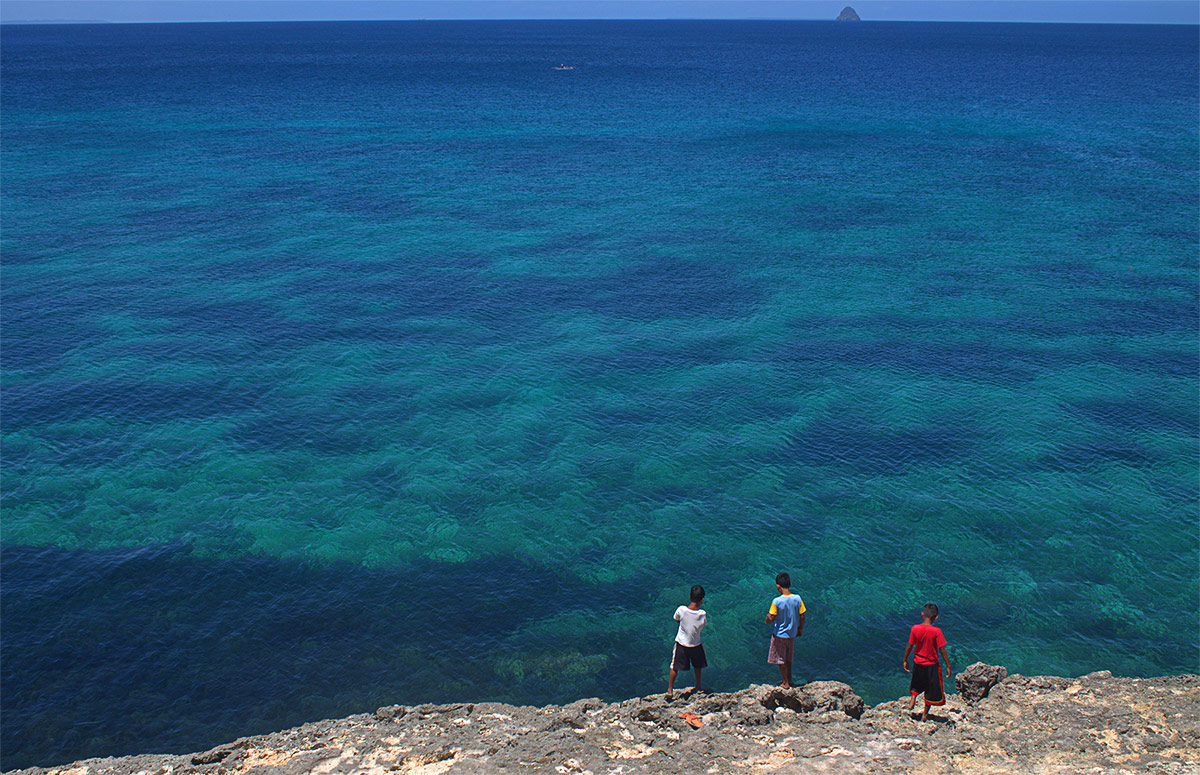
Cliff Diving in Carnaza Island, Cebu
In less than an hour after we arrived, I was hiking with local kids to a small hill overlooking the fishing village and the sea that surrounds the island. Not a bad sight.
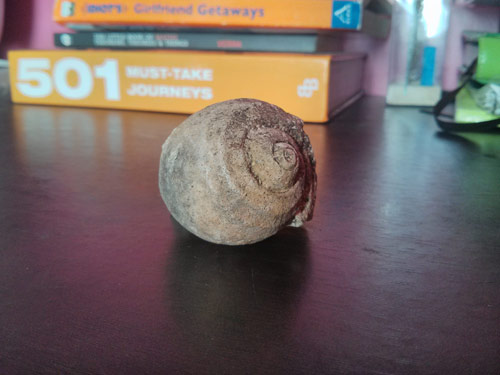
An item of a very distant past
Sunny afternoons make me sleepy but I dare not doze. There's a sense of distortion of time - like the world has either slowed or hasten while you were asleep - when you wake up between 5 to 7 in the evening. To get rid of the drowsiness, we (Issa and I) take a stroll in the park.